
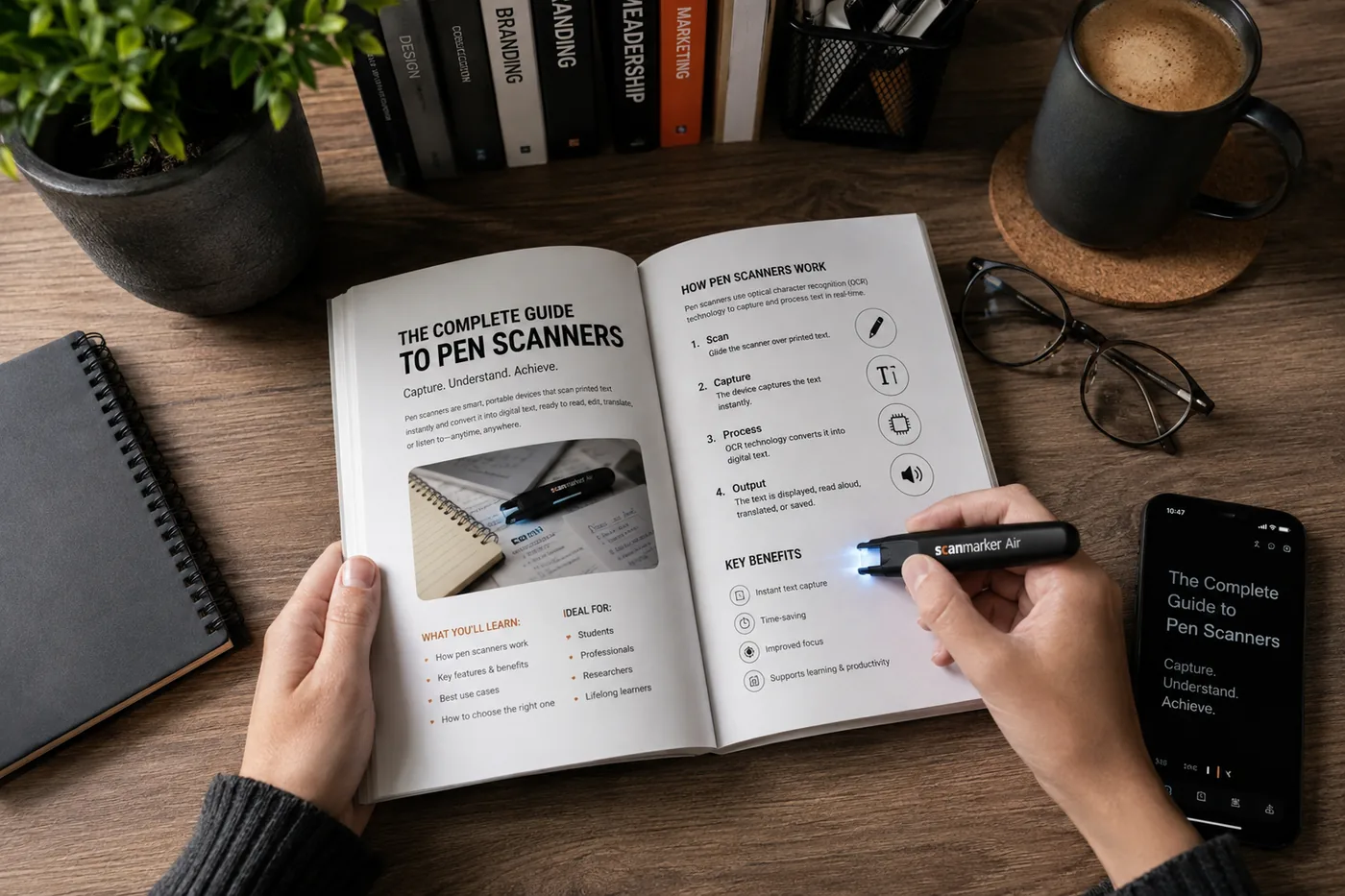
What is a pen scanner?
If you are a college student or a researcher, you know the drill: surrounded by textbooks, painstakingly typing out quotes, definitions, and data into a laptop. It is tedious, time-consuming, and it breaks the flow of thought that made the source material interesting in the first place.
A pen scanner, sometimes called an OCR scanner (Optical Character Recognition), is a handheld device that looks like a thick marker. Instead of laying down ink, it captures lines of printed text and transfers them to a computer, tablet, or phone.
Why a pen scanner helps students
Digitizing printed text instantly avoids transcription errors and missed footnotes. Drag the pen across a line in a textbook and the text appears on your screen, exactly the line you wanted, exactly the punctuation.
A scanning pen also integrates with existing workflows — dropping scanned text wherever your cursor is, in Word, Google Docs, Notion, Obsidian, Evernote, or Apple Notes, with no proprietary app to learn.
Scanned text becomes searchable and organized in your note app, so instead of flipping through textbooks looking for a quote you highlighted last month, your notes are ready when midterms hit.
Where a pen scanner pays off the most
Note-taking from physical textbooks. Required readings that are not available digitally remain a fact of academic life — especially in literature, philosophy, law, and the natural sciences. A scanning pen turns a printed textbook into searchable text without buying the e-book version.
Research papers and academic journals. Anyone who has tried to quote a printed page knows the pain. A pen scanner captures exact text — author, date, page number — ready to drop into a citation manager.
Annotation and study guides. Build a personal corpus of important passages across a semester, built as you read, with no extra effort at the end.
How it compares to the alternatives
A quick comparison of the common ways students get printed text into a document.
| Tool | Best for |
|---|---|
| Manual typing | Short snippets only |
| Phone camera OCR | Whole-page captures |
| Pen scanner | Selective, line-level quote capture |
| E-book copy-paste | When the book is already digital |
- Best for
- Short snippets only
- Best for
- Whole-page captures
- Best for
- Selective, line-level quote capture
- Best for
- When the book is already digital
The setup
Plug the pen into a laptop via USB or pair it via Bluetooth, install the companion app, and start scanning. If you are headed into a heavy research semester — a thesis, a dissertation chapter, a grant proposal — the time saved in the first week alone tends to justify the investment.