
More than scanning: the power of text-to-speech
Reading should open doors, not create walls. For learners with dyslexia, ADHD, or visual processing challenges, traditional printed text creates a barrier between intent and comprehension. The student understands the ideas; they cannot always get past the act of decoding the words to reach them.
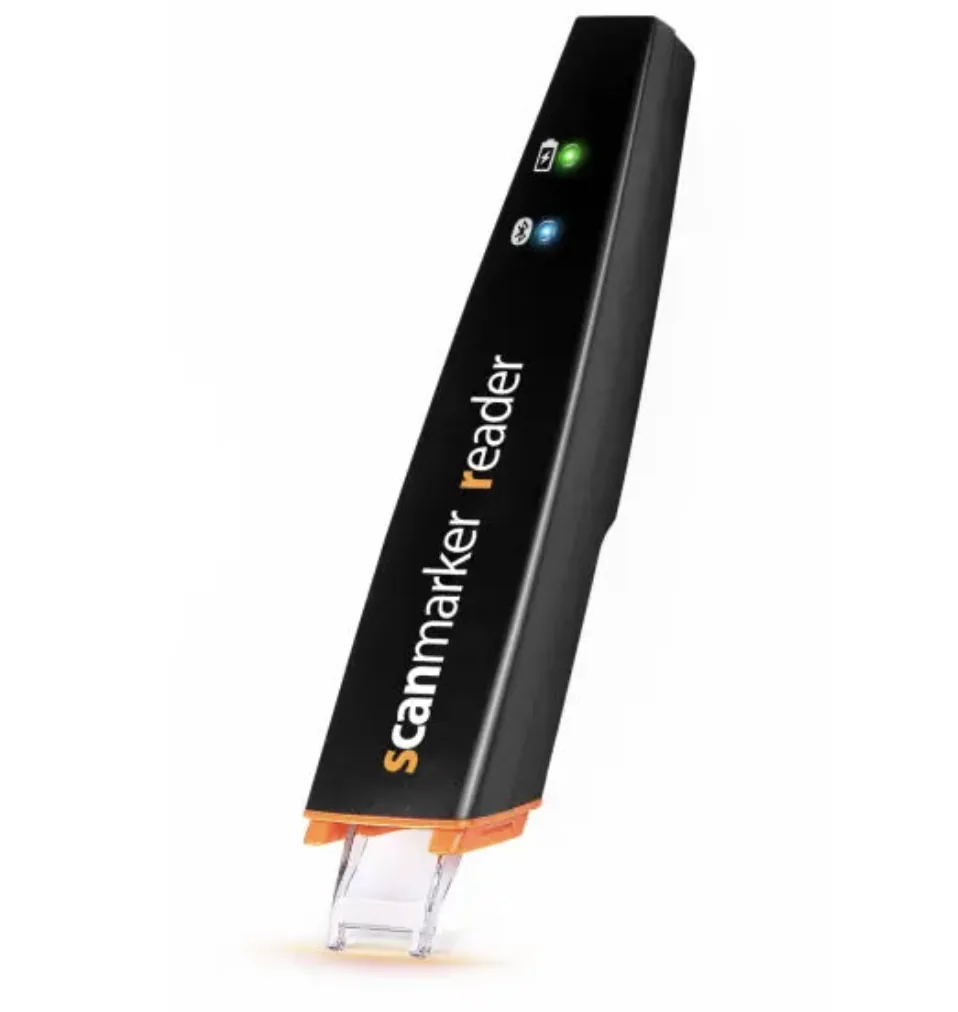
An OCR scanner captures text. A dedicated reading pen does more, functioning as a text-to-speech device: the student slides the pen across a line of a book, a worksheet, or a test paper, and the device reads it aloud with adjustable speed.
A reading pen is not a literacy bypass, it is a literacy support. Students still see the words on the page and follow along, learning the visual shape of the text alongside the sound, which is the multisensory pairing that structured-literacy research recommends for struggling readers.
How reading pens support special education and IEPs
Fostering independence: instead of relying on a teacher, parent, or aide to read aloud, the student reads independently. The accommodation moves from a visible social signal to an invisible one, a pen in their hand like any other student's.
Multisensory learning: seeing words on the page while simultaneously hearing them spoken aloud reinforces word recognition and supports reading comprehension, the underlying mechanism behind evidence-based reading interventions from Orton-Gillingham forward.
IEP and 504 support: for students with Individualized Education Programs, reading pens have moved from an unusual accommodation to a standard recommendation, providing accommodation without disrupting the learning environment, traveling with the student between classes.
Which reading pen for which learner
A quick reference for matching a pen to a learner's needs.
| Need | Recommended pen | Why |
|---|---|---|
| Standalone use (no phone or tablet) | Scanmarker Max ($299) | Built-in touchscreen, speaker, phonics module, exam-lock mode — works on its own |
| Connected use with a tablet or laptop | Scanmarker Pro ($249) or Air ($169) | Pairs via Bluetooth, exports text to any app |
| Younger readers (K-3) | Scanmarker PAL ($179) | Simple, durable, English only, built for early readers |
| Test-day approved | Scanmarker Max with exam-lock | Disables internet and translation for proctor compliance |
- Recommended pen
- Scanmarker Max ($299)
- Why
- Built-in touchscreen, speaker, phonics module, exam-lock mode — works on its own
- Recommended pen
- Scanmarker Pro ($249) or Air ($169)
- Why
- Pairs via Bluetooth, exports text to any app
- Recommended pen
- Scanmarker PAL ($179)
- Why
- Simple, durable, English only, built for early readers
- Recommended pen
- Scanmarker Max with exam-lock
- Why
- Disables internet and translation for proctor compliance
What about read-aloud apps on phones?
Phone apps are useful but have real limits in school settings: phones are banned in many classrooms, especially during instruction and standardized assessments; camera-based OCR is slower in practice, since students have to position the phone, snap, wait, then tap to play, while a pen does it in one motion; and a pen looks like a study tool while a phone looks like a phone, which matters for adolescent learners' comfort using an accommodation openly.
Reading pens are not a replacement for every assistive tool; they pair well with audiobooks, literacy software, and classroom read-alouds, filling the gap of instant, on-demand, grade-level decoding support that travels with the student into every class and every test.
Scanmarker Max
Best for: Full independence — exam-approved, phonics-ready