
Notes, Documents & Productivity
Notes, documents, productivity, digitization, copying, and searchable text.
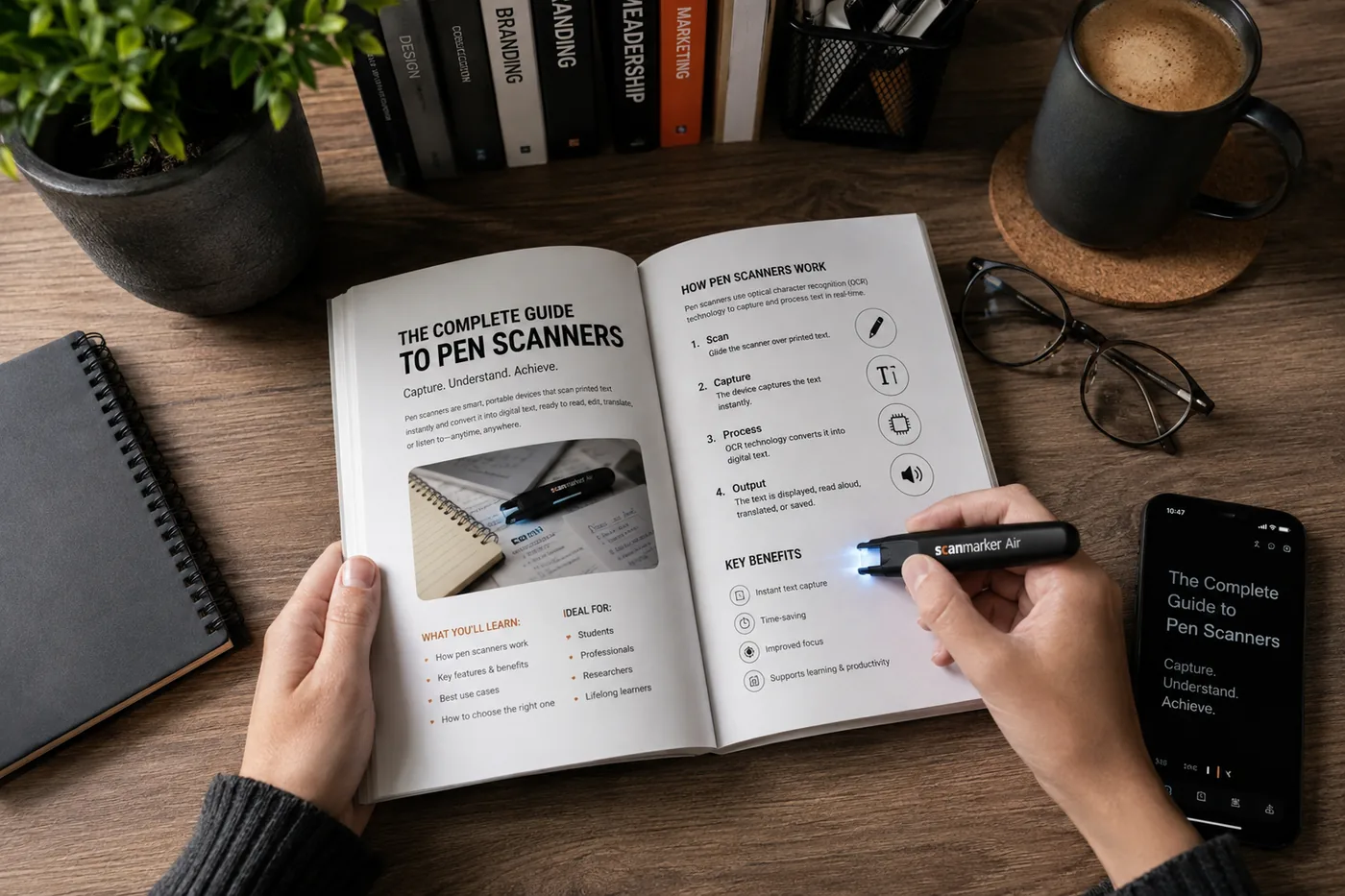
OCR for Students
For students, OCR turns textbook pages and handouts into searchable, speakable text — best on clean print, less reliable on handwritten notes.
Read guide →
OCR for Researchers
Researchers use OCR to digitize archival documents into searchable files — accuracy varies with source condition, so manual review still matters.
Read guide →
Scanning Text Into Notes
Scanning text into notes captures printed words as searchable digital text. Best options: a phone app for full pages, a pen scanner for short passages.
Read guide →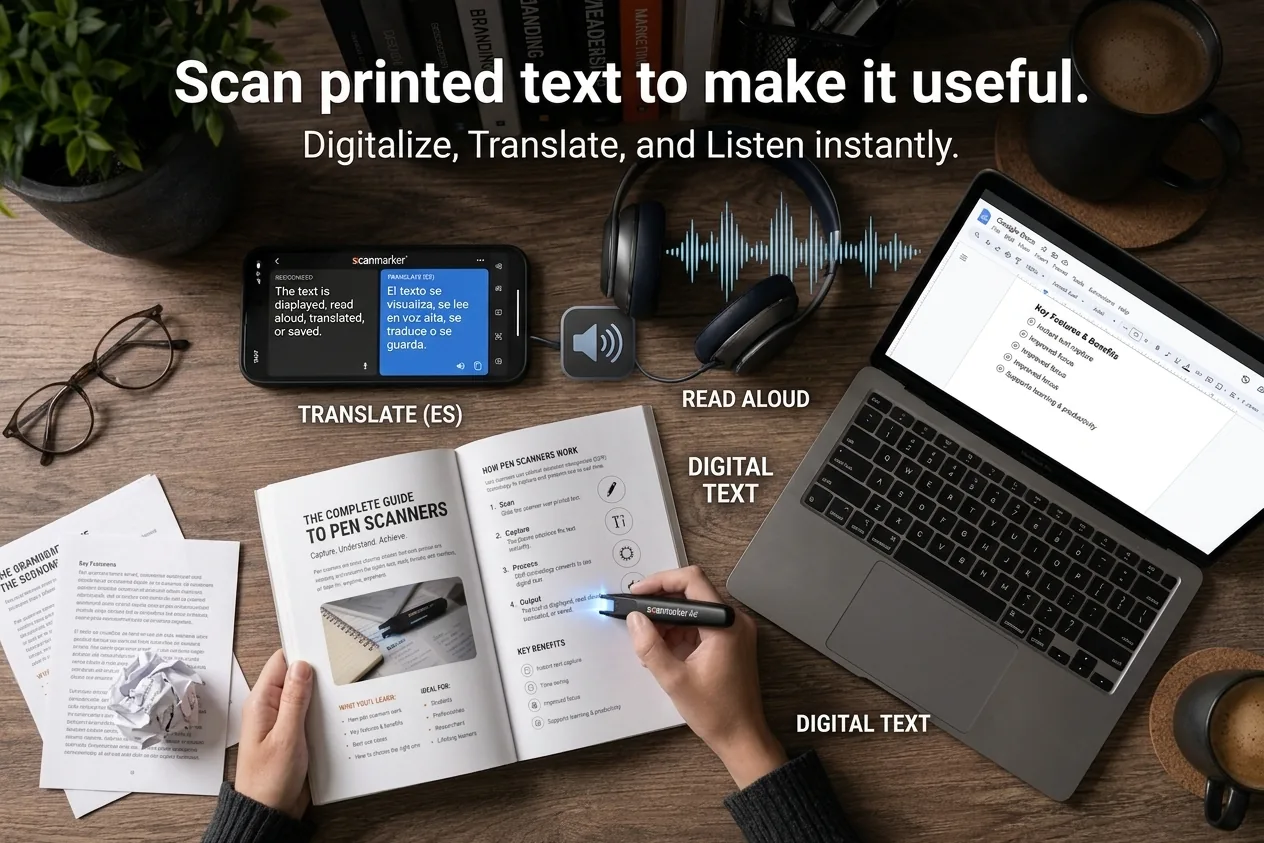
Digitizing Textbooks
Digitizing a textbook converts printed pages into searchable text or PDF. Compare flatbed scanners, library services, and pen scanners.
Read guide →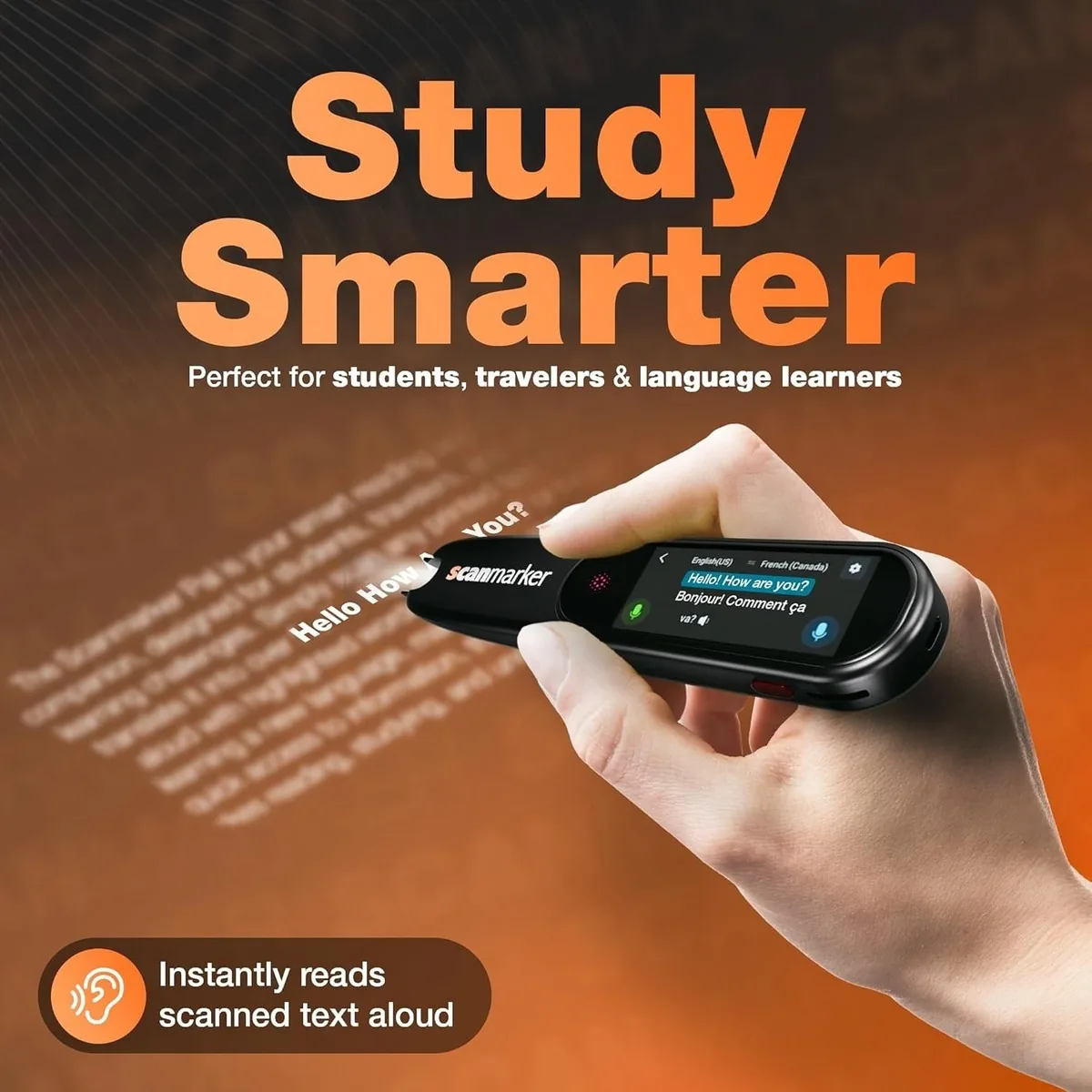
Break Language Barriers with Real-Time Scanning and Translation
A portable scanning pen like Scanmarker Air or Pro translates printed text in real time on a paired screen, across 112 languages.
Read guide →
The Ultimate Study Hack: A Pen Scanner
A pen scanner saves study time by digitizing text straight into a document — faster than retyping and without transcription errors.
Read guide →
Best Reading Tools for Students
The best reading tools cut manual transcription, make text searchable, and fit a workflow students actually keep using. Here's what that looks like.
Read guide →