
Why students use OCR
Textbooks, handouts, and printed worksheets are common in education, and OCR gives students a way to convert those paper materials into digital text they can search, copy into notes, highlight, or have read aloud. This is useful for general studying, but it becomes especially valuable for students with reading difficulties such as dyslexia, where hearing text read aloud alongside seeing it can support comprehension.
Common tools students use
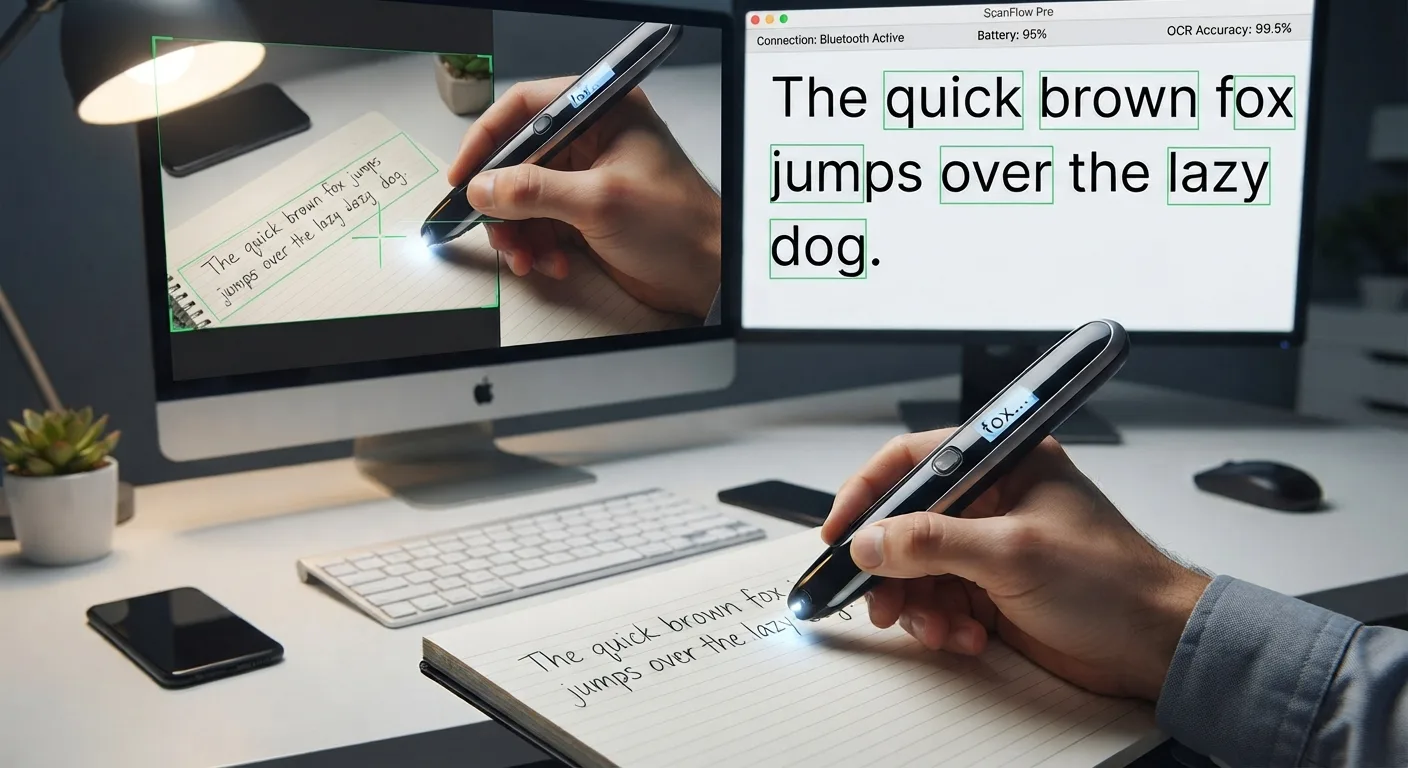
Students typically encounter OCR through a few types of tools: phone-based document scanning apps that photograph a page and produce a searchable file, scanner-and-software combinations for digitizing larger volumes of pages, and handheld pen scanners that a student can glide over a single line of text in a textbook to hear it read aloud or capture it digitally, without scanning the entire page.
What works well
Printed textbook pages and typed handouts are close to ideal conditions for OCR: consistent fonts, decent contrast, and standardized layouts. Scanning a clean page of a textbook chapter, a printed worksheet, or a typed study guide tends to produce reliable results a student can trust for note-taking or study purposes.
What is harder
OCR is far less reliable on a student's own handwritten notes, especially quick or messy handwriting, and on pages with heavy pen or highlighter annotations layered over the printed text, since the markings can confuse character recognition. Textbook pages with complex diagrams, math notation, or dense footnotes can also trip up general-purpose OCR, which is built primarily for regular prose text.
Using OCR alongside text-to-speech
For many students, OCR is only half the workflow. Once a page has been converted to digital text, that text is commonly fed into a text-to-speech feature so the student can listen while reading along, a combination used heavily in accessibility-focused study tools and pen scanners built for reading support.
A practical tip
When scanning study material, flattening the page, using good lighting, and avoiding glare from glossy textbook paper will meaningfully reduce OCR errors, since these conditions affect accuracy more than the specific app or device being used.