
The category library
All guides, on shelves.
Browse all 47 category guides to pen scanners, optical character recognition (OCR), reading pens for dyslexia, school IEP accommodations, and buying. Skip to a shelf, or scroll from the simplest explanation to buying.
Jump to shelf
01 · The Basics • 5 guides
What a Pen Scanner Is →
Understand what a pen scanner is, how optical character recognition works, core hardware architectures, and how reading pens support learning.
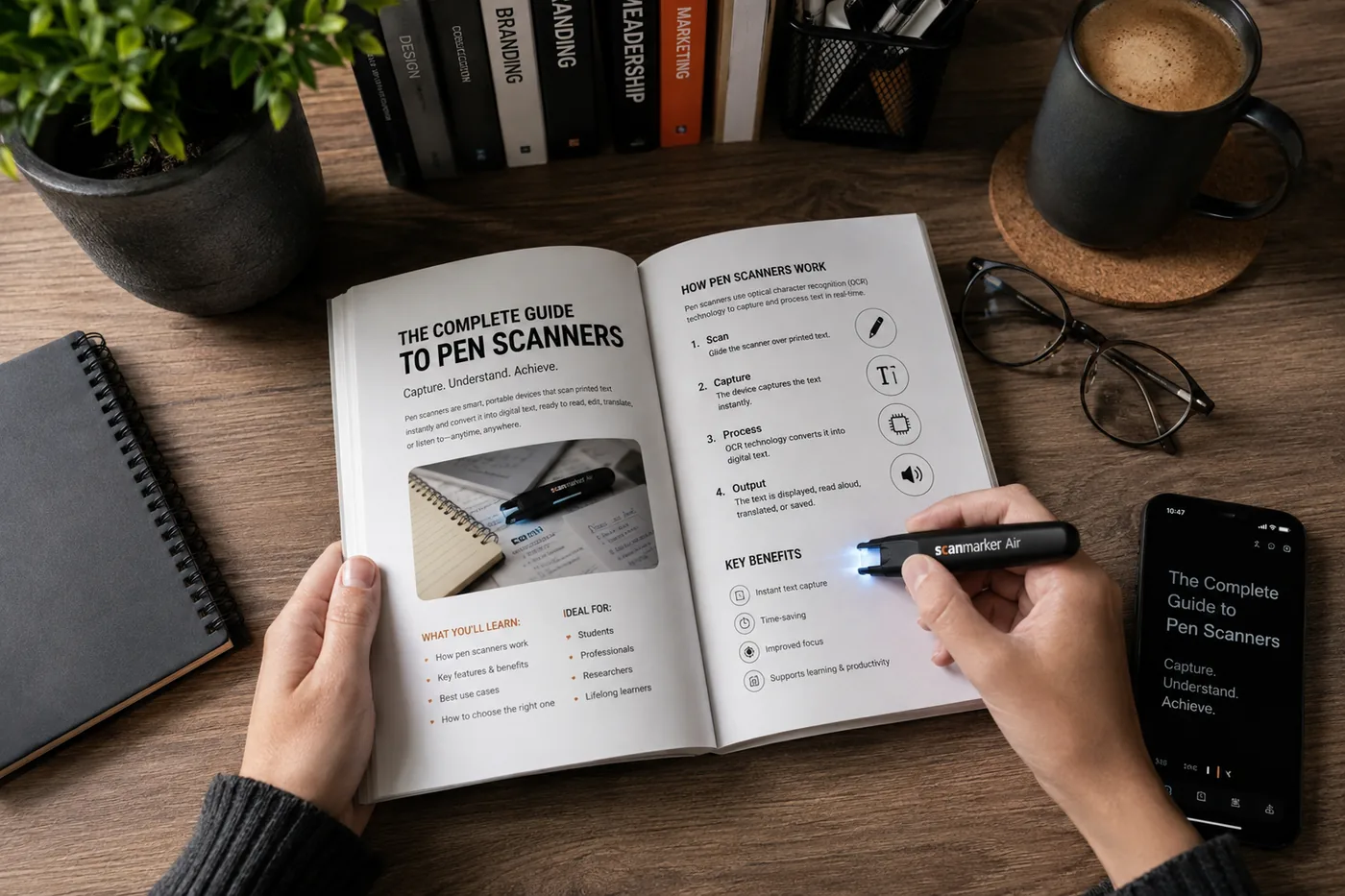
What Is a Pen Scanner? Complete Explainer & How It Works
What is a pen scanner? A complete, plain-English explainer covering optical character recognition, text-to-speech, core device types, and real-world limits.
Read →How Does a Pen Scanner Work? Hardware, Optics & Sub-Second OCR
A technical teardown of how pen scanners work: optical illumination, 120 fps CMOS sensors, DSP frame stitching, embedded neural OCR, and audio DAC synthesis.
Read →What Can You Scan With a Pen Scanner? Materials, Fonts & Surfaces
Complete compatibility guide: which paper stocks, font sizes (6pt–24pt), fonts, and languages pen scanners can read, and where physical limits cause failures.
Read →What Is OCR and How Does It Work? The Simple, Plain-English Guide
What is OCR? A friendly, plain-English explainer: how computers read printed ink, why tricky letters get confused, and how modern reading pens use it.
Read →Standalone Reading Pens Explained: Hardware & Exam Security
What "standalone" means in assistive reading technology: independent ARM processors, built-in audio speakers, exam-lockout modes, and zero phone distractions.
Read →02 · How It Works • 4 guides
OCR, Scanning & Accuracy →
Explore how pen scanners capture text, optical sensor accuracy benchmarks, scanning book lines vs handwriting, and offline text-to-speech engines.
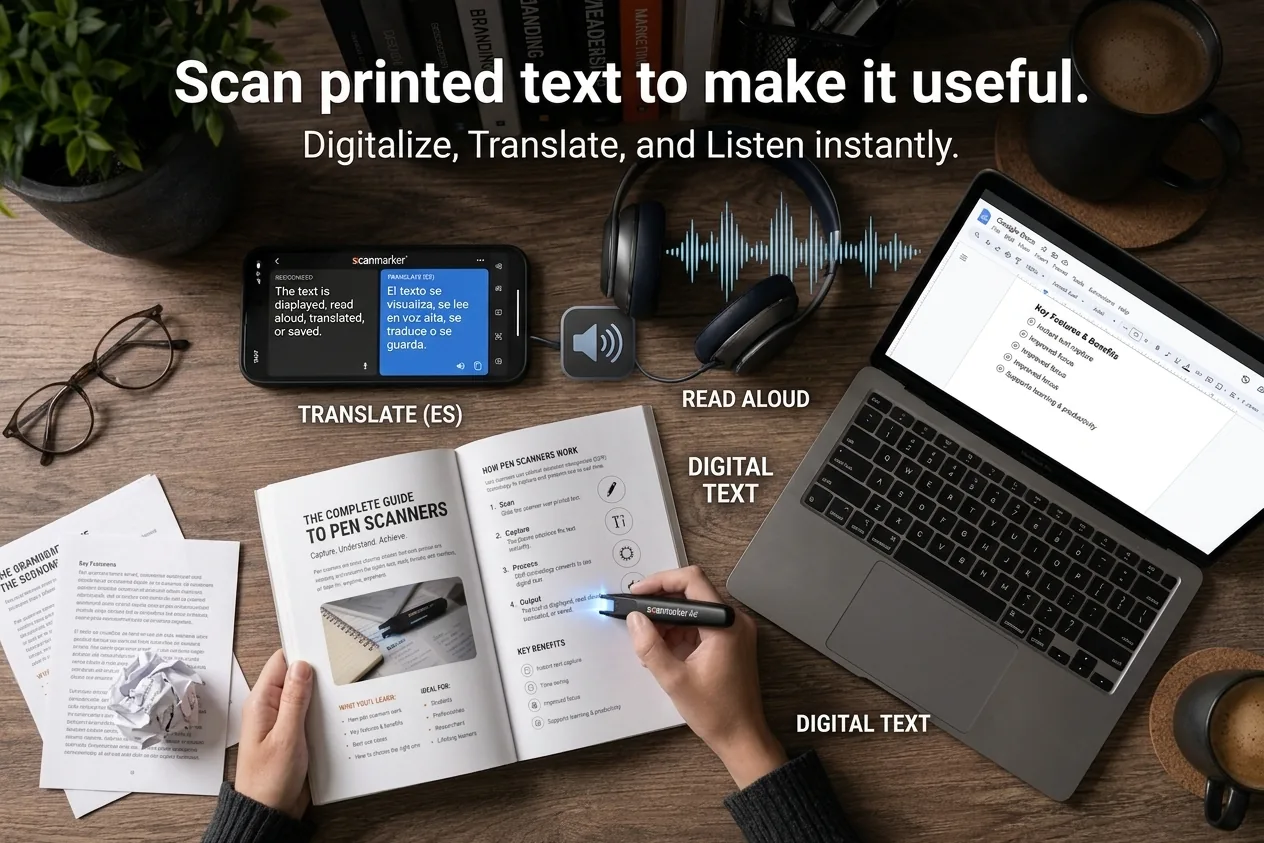
How Accurate Is OCR in Pen Scanners?
OCR in pen scanners is reliable on clear printed black text and less reliable on handwriting or glare-prone surfaces — print quality matters more than any spec.
Read →OCR Pen Scanners for Books: Digitizing Bound Pages Fast
How OCR pen scanners extract quotes and text from bound books directly into Word and Docs without spine damage, page warping, or manual typing.
Read →OCR for Handwritten Text
OCR for handwriting (properly ICR) is far less reliable than printed-text OCR. Neat block letters work best; cursive and messy writing need manual review.
Read →OCR vs Text-to-Speech
OCR and text-to-speech are complementary: OCR turns a printed-text image into digital text, and text-to-speech turns that digital text into spoken audio.
Read →03 · Reading Support • 11 guides
Dyslexia, TTS & Access →
How reading pens support dyslexia, text-to-speech for struggling readers, phonics modules, accessibility accommodations, and reading independence.

Reading Pens for Dyslexia: How Assistive Audio Pens Work
A complete guide to reading pens for dyslexia: how line-by-line text-to-speech unlocks comprehension, IEP accommodations, and key device limitations.
Read →How Reading Pens Help With Dyslexia
A reading pen is an access tool, not a treatment — it helps get past a stuck word without stopping the whole page. Where that helps, and where it does not.
Read →What Tools Help With Dyslexia?
Tools that help with dyslexia: text-to-speech, reading pens, audiobooks, screen readers, word prediction — each removes a different barrier.
Read →How Technology Can Help With Reading
Technology helps with reading by converting text into an easier format to process — speech, highlighting, adjustable fonts, or instant word lookup.
Read →Text-to-Speech for Dyslexia
Text-to-speech for dyslexia converts digital text into spoken audio with word-by-word highlighting — supports access, doesn't replace decoding instruction.
Read →Assistive Technology for Dyslexia
Assistive technology for dyslexia — text-to-speech, reading pens, audiobooks, screen readers, dictation — supports literacy access, not reading instruction.
Read →How to Help a Struggling Reader at Home
Struggling reader at home? This guide won't diagnose your child — it helps you spot what's normal, what to raise with the school, and what to try tonight.
Read →Reading Pens for Adults with Dyslexia
How reading pens give adults with dyslexia the same read-aloud and phonics support as students — no IEP or case-manager infrastructure needed.
Read →Structured Literacy in 10 Minutes
Structured literacy is explicit, systematic, cumulative, multisensory, diagnostic reading instruction — the IDA's definition and the K-3 consensus standard.
Read →5 Ways Standalone Reading Pens Support Dyslexic Students
How modern standalone reading pens support dyslexic students with phonics modules, exam-lock modes, instant read-aloud, and display customization.
Read →Scan Reader Pens for Dyslexia: A Complete Guide
Learn how scan reader pens for dyslexia work, who they help, what to compare, and how to choose the right reading pen for school, exams, work, or home.
Read →04 · School • 10 guides
Classroom, IEP & Funding →
Classroom reading pens, IEP and 504 accommodation documentation, exam-lock modes, school district procurement, and assistive technology funding.

Study Tools for Students
The best study tools fall into four categories: capture, organization, review (spaced repetition), and low-tech staples. A real system combines all four.
Read →Assistive Technology in Schools
Assistive technology in schools helps students access curriculum and demonstrate knowledge. IDEA requires AT consideration in every IEP review.
Read →Writing Reading Pens Into an IEP or 504 Plan
Write reading pen accommodations into an IEP or 504 with specific, testable language — name the function, not the brand, or it won't travel across teachers.
Read →Who Pays for Assistive Reading Technology?
Who pays for reading pens and assistive reading technology: IEP and 504 obligations, IDEA Part B, Title I/III, state AT grants, and district purchasing.
Read →School Procurement for Assistive Technology
School technology procurement: needs documentation, budget approval, vendor quotes, IT/privacy review, and IEP coordination for special-education purchases.
Read →Reading Pens for ESL Students: Teacher Guide
How reading pens help ESL students bridge strong listening comprehension and slower second-language decoding — setup tips and what to look for.
Read →Reading Accommodations in College
College disability offices approve reading pens and text-to-speech tools under Section 504/ADA, not IDEA. Students must self-request each term — here's how.
Read →Reading Assistance for College Students
Reading assistance for college students: scanning tools, text-to-speech apps, and disability-services accommodations — most need no diagnosis.
Read →ClassWallet for Special Educators
A practical guide to ClassWallet-style district allotment funding for reading pens and phonics resources — what's eligible and how to budget for it.
Read →Reading Accommodations Under IDEA: 2026 Guide
Reading accommodations under IDEA — including reading pens — are part of FAPE, not optional. How IEPs and 504 plans differ, and what holds up.
Read →05 · OCR & Work • 7 guides
Notes, Documents & Productivity →
Scan printed book lines directly into notes, laptops, Google Docs, and Word. Complete productivity guides for students, researchers, and desk workflows.

OCR for Students: Digitizing Notes & Textbook Study Guides
For students, OCR turns textbook pages and handouts into searchable, speakable text — best on clean print, less reliable on handwritten notes.
Read →OCR for Researchers
Researchers use OCR to digitize archival documents into searchable files — accuracy varies with source condition, so manual review still matters.
Read →Scanning Text Into Notes
Scanning text into notes captures printed words as searchable digital text. Best options: a phone app for full pages, a pen scanner for short passages.
Read →Digitizing Textbooks
Digitizing a textbook converts printed pages into searchable text or PDF. Compare flatbed scanners, library services, and pen scanners.
Read →Pen Scanner Translators: How Real-Time Scanning Translation Works
How pen scanner translators work: real-time multilingual OCR, offline bilingual dictionaries, latency tradeoffs, and international document workflows.
Read →The Ultimate Study Hack: A Pen Scanner
A pen scanner saves study time by digitizing text straight into a document — faster than retyping and without transcription errors.
Read →Best Reading Tools for Students
The best reading tools cut manual transcription, make text searchable, and fit a workflow students actually keep using. Here's what that looks like.
Read →06 · Comparisons & Buying • 9 guides
Pen vs Phone & Buying Guides →
Head-to-head comparisons of pen scanners vs smartphones, flatbed scanners, and standalone vs connected reading pens. Objective buyer decision guides.
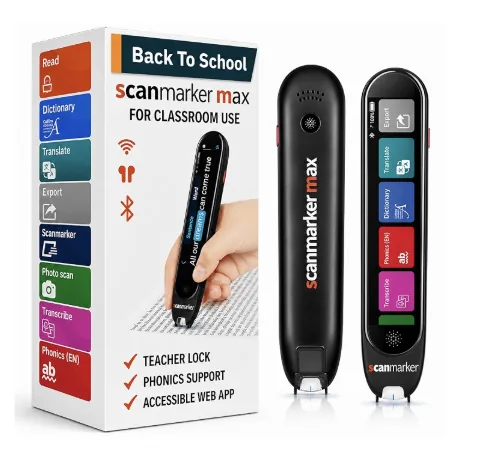
Are Pen Scanners Worth It?
Pen scanners are worth it for frequent hands-free, word-by-word listening — for occasional scanning, a free phone app usually covers the same ground.
Read →Pen Scanner vs Phone Apps: Which Scanning Tool Is Best?
Pen scanner vs smartphone camera OCR apps: comparing speed, distraction-free study, classroom compliance, ergonomics, and battery endurance.
Read →Pen Scanner vs Scanner
A pen scanner handles quick, portable, line-by-line reading; a flatbed scanner digitizes full pages at higher quality for archiving and bulk work.
Read →Assistive Technology Buying Guide
Buying assistive technology for a school works best as a process: assess need, trial candidates, confirm IT fit, then procure.
Read →Empowering Readers with Text-to-Speech Pens
Text-to-speech reading pens give read-aloud access to any page — sliding across a line while still seeing the words, the pairing research recommends.
Read →Reading Technology for Special Education
Reading technology for special education: text-to-speech, screen readers, read-aloud libraries, and reading pens — matched to the student's specific barrier.
Read →Scanner Pen Market Report 2026: Prices of the Top 20 Devices
Independent 2026 market report on scanner pens: market size, brand hierarchy, verified prices for 20 reading, OCR and translation pens, and a buying rule.
Read →The Best Pen Scanners Ranked for 2026
The best pen scanners for 2026, ranked on scan accuracy, speed, and price — standalone models for read-aloud, connected models for typing into documents.
Read →The Best Scanning Solutions for Growing Businesses
How to match a pen scanner to each business role — individual laptops, shared office computers, managed device fleets, and offline field work.
Read →Also in the library • 1 guides