
Study tools are a system, not a single app
It is tempting to look for the one app that will fix studying, but effective students typically run a small pipeline: capture the material, organize it, then review it on a schedule. Weakness in any one stage undermines the others — perfectly organized notes you never review are as useless as great recall habits applied to messy, incomplete notes.
Capture: getting material out of its source
This is anything that moves information from a textbook, handout, or lecture into a form you can study from — typed notes, photographed pages, scanned text, or audio recordings of lectures. The goal at this stage is speed and completeness, not neatness. Clean up and organize later.
Digitizing printed material
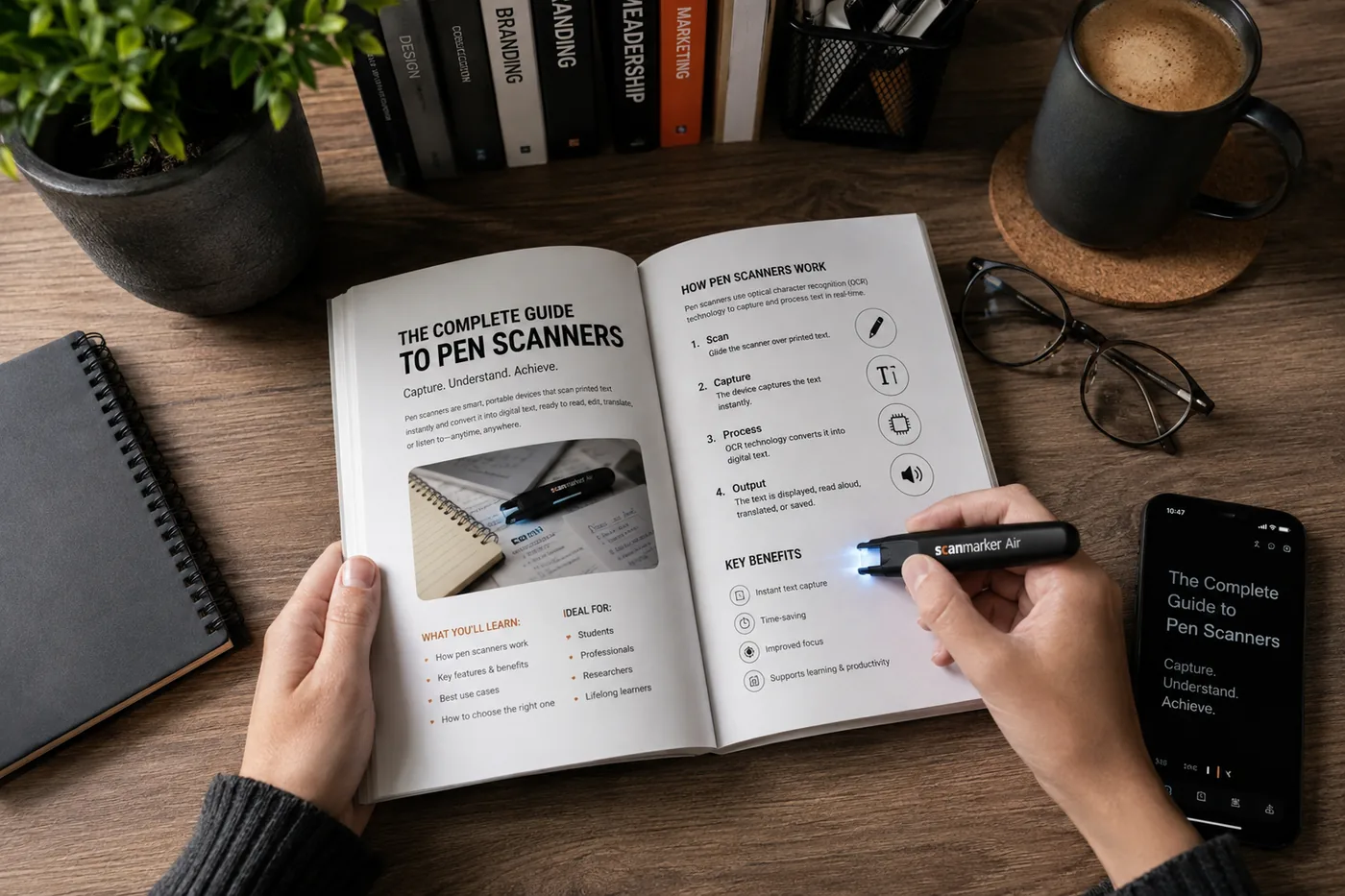
Phone scanning apps, pen scanners, and library or campus scanning services all serve this stage differently depending on how much text you need and how it is packaged (see the dedicated guides on scanning text into notes and digitizing textbooks for a deeper comparison).
Organization: keeping it findable
A note-taking app organized by course and topic, with consistent naming, turns a semester's worth of scattered material into something searchable. Folders or tags matter less than consistency — pick a system and stick to it rather than switching schemes every few weeks.
Review: building retention
Spaced repetition tools (digital flashcard systems that resurface a card right before you are likely to forget it) are one of the better-supported study techniques for long-term retention, especially for vocabulary, definitions, formulas, and other discrete facts. They are less useful for essay-style synthesis, where practice writing and self-explanation work better.
Old-fashioned notecards do the same basic job without an app and remain a solid choice, particularly for students who find screens distracting during review sessions.
Comprehension: making sense of dense text
Highlighting, margin notes, and summarizing a section in your own words after reading it are still some of the most reliable ways to check whether you actually understood something, regardless of how high-tech your other tools are. Apps that let you annotate directly on a digitized PDF combine this with the searchability benefit of having gone digital in the first place.
Putting together a minimal toolkit
A practical starting stack most students can assemble for free or near-free.
| Stage | Tool type | Example use |
|---|---|---|
| Capture | Phone scanning app / pen scanner | Digitize a handout or textbook passage |
| Organization | Note-taking app | File notes by course, keep everything searchable |
| Review | Spaced repetition app or notecards | Drill vocabulary and formulas before exams |
| Comprehension | Annotation on digitized PDFs | Highlight and summarize dense readings |
- Tool type
- Phone scanning app / pen scanner
- Example use
- Digitize a handout or textbook passage
- Tool type
- Note-taking app
- Example use
- File notes by course, keep everything searchable
- Tool type
- Spaced repetition app or notecards
- Example use
- Drill vocabulary and formulas before exams
- Tool type
- Annotation on digitized PDFs
- Example use
- Highlight and summarize dense readings
Avoiding tool overload
Adding a new app for every new problem tends to backfire — the time spent learning and switching between five tools can exceed the time saved by any one of them. Pick one tool per stage of the pipeline, use it consistently for a full term, and only swap it out if it is genuinely not working, not because a newer option exists.