
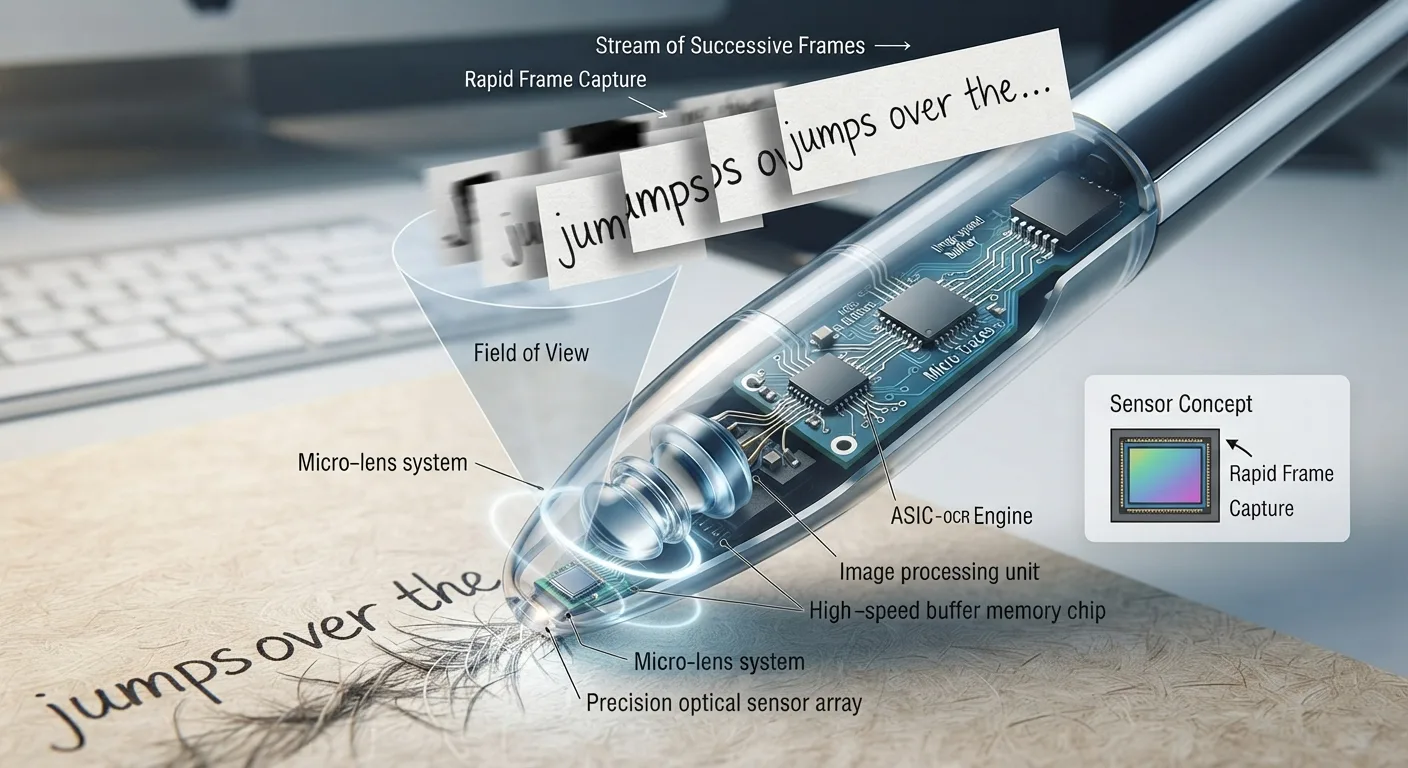
The difference between a photo and a scan
A photo of a page is just an image — you cannot search it, copy text out of it, or resize the text without losing quality. A true scan runs optical character recognition (OCR) on that image to extract actual, selectable text. That distinction matters because searchable text is what makes months of scanned readings actually useful later, when you are trying to find one specific passage across a whole semester of notes.
Choosing a method by what you are capturing
A single sentence or a definition from an open textbook is fastest with a pen scanner — drag it across the line, and the text (and sometimes an audio readout) is captured immediately without needing to photograph and crop a whole page.
A worksheet, a full page of notes, or a handout is usually faster with a phone scanning app, since the whole page needs to be captured anyway and the app handles cropping and straightening automatically.
A full chapter or a multi-page packet is better handled with a flatbed or document scanner, or by using a library or campus digitization service if one is available, since manual page-by-page capture on a phone or pen device becomes slow at that volume.
Getting clean OCR results
OCR accuracy depends heavily on image quality. Even, diffuse lighting without glare works better than a single overhead light that creates a bright spot on glossy paper. Keeping the page flat and the camera or scanner parallel to it avoids the distortion that trips up text recognition. Higher-contrast text (black ink on white paper) scans more reliably than colored or low-contrast print.
Handling messy scans
Even good OCR occasionally misreads a character, especially with unusual fonts, handwriting, or math notation. A quick proofread of the extracted text against the original, especially for anything you plan to quote directly, is worth the extra minute.
Folding scanned text into your existing notes
The value of scanning is lost if the text sits in a separate scanning app that you never open again. Export or copy scanned text directly into the same note-taking app and course folder where your typed notes already live, so a single search covers everything — your own notes and anything you have digitized from print.
When scanning is not worth it
Not everything needs to be digitized. A book you are only reading once for pleasure, or a handout you will discard after one assignment, usually is not worth the time cost of scanning. Save the effort for material you expect to reference repeatedly — course textbooks, reading packets you will be tested on, or reference material you will cite again.