
Why students digitize textbooks
Digital versions of course texts are often more expensive than used print copies, or simply do not exist for older or specialized editions. Digitizing a printed textbook yourself keeps the lower print price while gaining the practical benefits of a digital copy: full-text search, the ability to carry every course text on one device, and easier annotation or highlighting that does not damage a book you might resell.
It is worth checking first whether this is even necessary — many courses now provide official digital editions or campus licenses, and checking the library or bookstore before scanning anything yourself can save hours.
Scanning a full textbook realistically
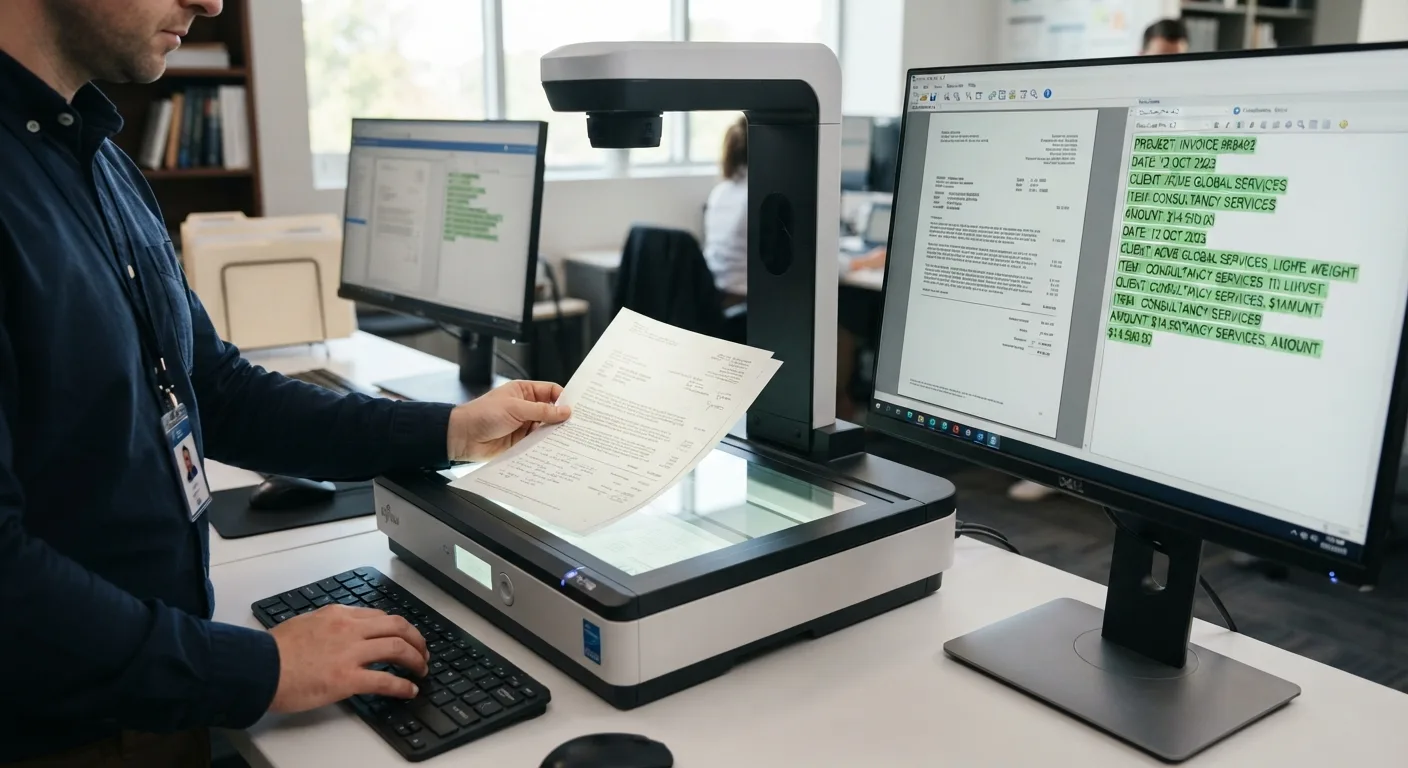
A flatbed scanner or a sheet-fed document scanner is the practical choice for a whole book, since it produces consistent page images far faster than a phone held over each page. Even so, a 300-plus page textbook takes real time to scan page by page, so budget an evening or spread it across a few sessions rather than expecting to finish in one sitting.
After scanning, run the pages through OCR software (many scanning apps and scanner-bundled software include this) to produce a searchable PDF rather than just a stack of page images.
Library and campus digitization services
Some college and university libraries offer scanning services, high-speed book scanners for patron use, or interlibrary loan of e-book editions. These are worth checking before investing personal time in scanning a book yourself, since institutional scanners are often faster and produce cleaner results than home equipment.
Digitizing selectively instead of cover to cover
Scanning an entire textbook is not always necessary. If a course only draws from specific chapters, digitizing just those sections is faster and keeps the resulting file more focused and easier to search. A pen scanner or phone app is reasonable for this kind of targeted, partial digitization even when a full-book scanner would be overkill.
Copyright considerations
Digitizing a textbook you own for your own personal study use is generally treated differently than distributing or sharing that digital copy with others. Sharing scanned course materials outside personal use can raise copyright and academic integrity issues depending on the institution and material, so keep digitized textbooks for your own use rather than distributing them.
Organizing a digitized textbook once it exists
A single large searchable PDF per textbook, named clearly by course and edition, and stored alongside your other course notes, is usually more useful than dozens of separate chapter scans scattered across folders. Bookmarks or a table of contents added within the PDF viewer make navigating a 300-page scan much faster during exam review.