
Two different jobs
Despite the shared word “scanner,” these are built for different tasks. A pen scanner is meant for immediate, in-the-moment use: you are reading something right now and want it read aloud or looked up quickly, one line at a time. A flatbed or sheet-fed scanner is meant for digitizing: turning a stack of paper documents into image or PDF files you can store, search, or print later.
Neither is a strictly better version of the other; they solve different problems, and many people who own a scanner would still find a pen scanner useful for a different use case, and vice versa.
Portability and setup
A pen scanner is battery-powered, fits in a bag or pocket, and needs no setup beyond charging it. A flatbed or sheet-fed scanner is typically a desktop device that needs a power outlet, a computer or network connection, and a flat surface, making it far less mobile but suited to a fixed workspace.
Output quality and format
Traditional scanners capture a full page as a high-resolution image, which is what you want for archiving, printing, or creating a searchable PDF of a document. A pen scanner captures and processes text line by line and is optimized for turning that text into speech or a plain text file, not for producing a visually faithful image of the page.
Speed for different volumes
For digitizing many pages, a sheet-fed scanner with an automatic document feeder is dramatically faster, since it can process dozens of pages without you touching each one. For reading or capturing a few lines or a paragraph right now, a pen scanner is faster because there is no setup, no computer, and no waiting for a full-page scan.
Side-by-side comparison
A quick summary of the practical differences.
| Aspect | Pen scanner | Flatbed / sheet-fed scanner |
|---|---|---|
| Primary use | Read or capture text on the spot | Digitize and archive full documents |
| Portability | Handheld, battery-powered | Desktop, needs power and often a computer |
| Output | Spoken audio or plain text | High-resolution page image or PDF |
| Best for volume | A line or a few paragraphs | Multi-page documents in bulk |
| Setup needed | None, just charge it | Computer connection, software |
- Pen scanner
- Read or capture text on the spot
- Flatbed / sheet-fed scanner
- Digitize and archive full documents
- Pen scanner
- Handheld, battery-powered
- Flatbed / sheet-fed scanner
- Desktop, needs power and often a computer
- Pen scanner
- Spoken audio or plain text
- Flatbed / sheet-fed scanner
- High-resolution page image or PDF
- Pen scanner
- A line or a few paragraphs
- Flatbed / sheet-fed scanner
- Multi-page documents in bulk
- Pen scanner
- None, just charge it
- Flatbed / sheet-fed scanner
- Computer connection, software
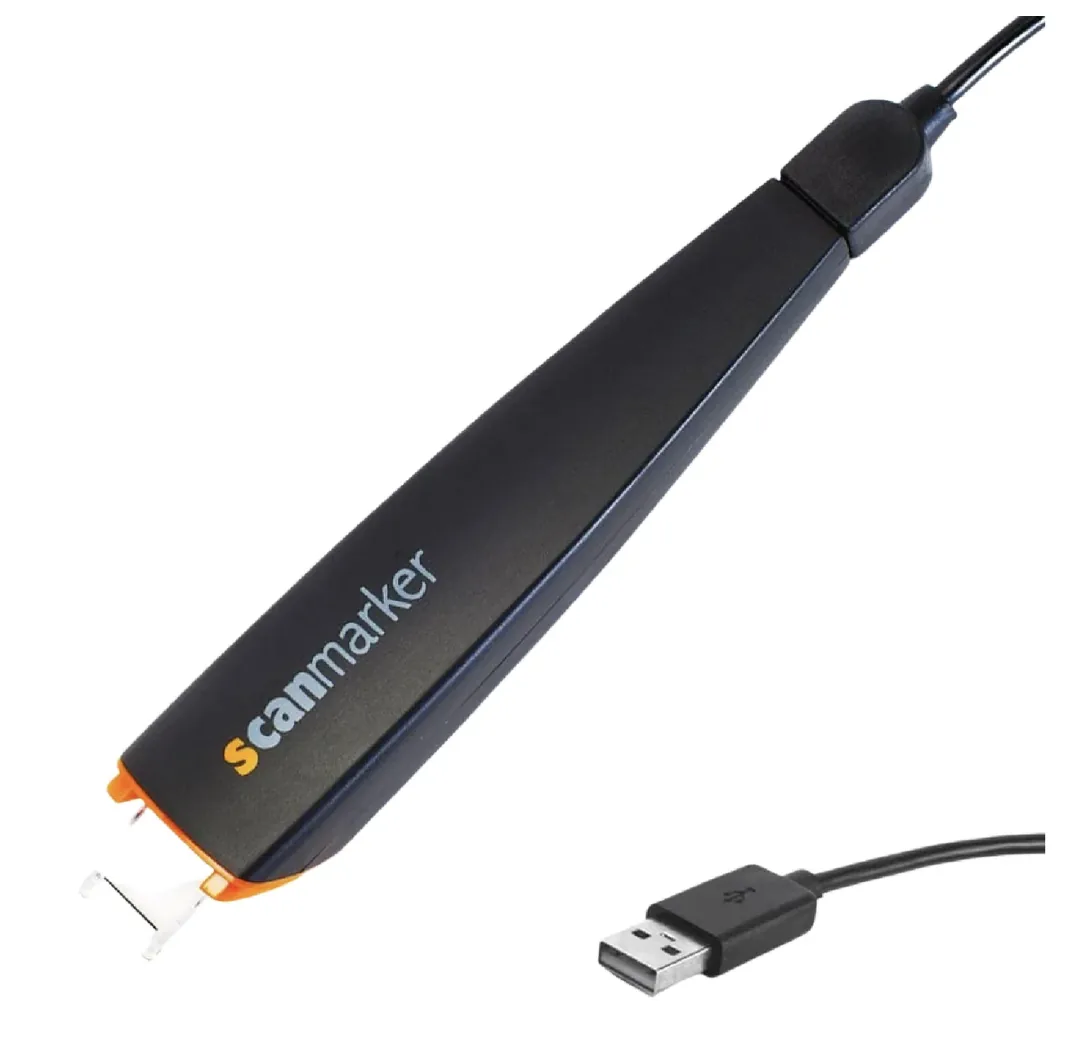
Scanmarker Max
Best for: Full independence — exam-approved, phonics-ready