
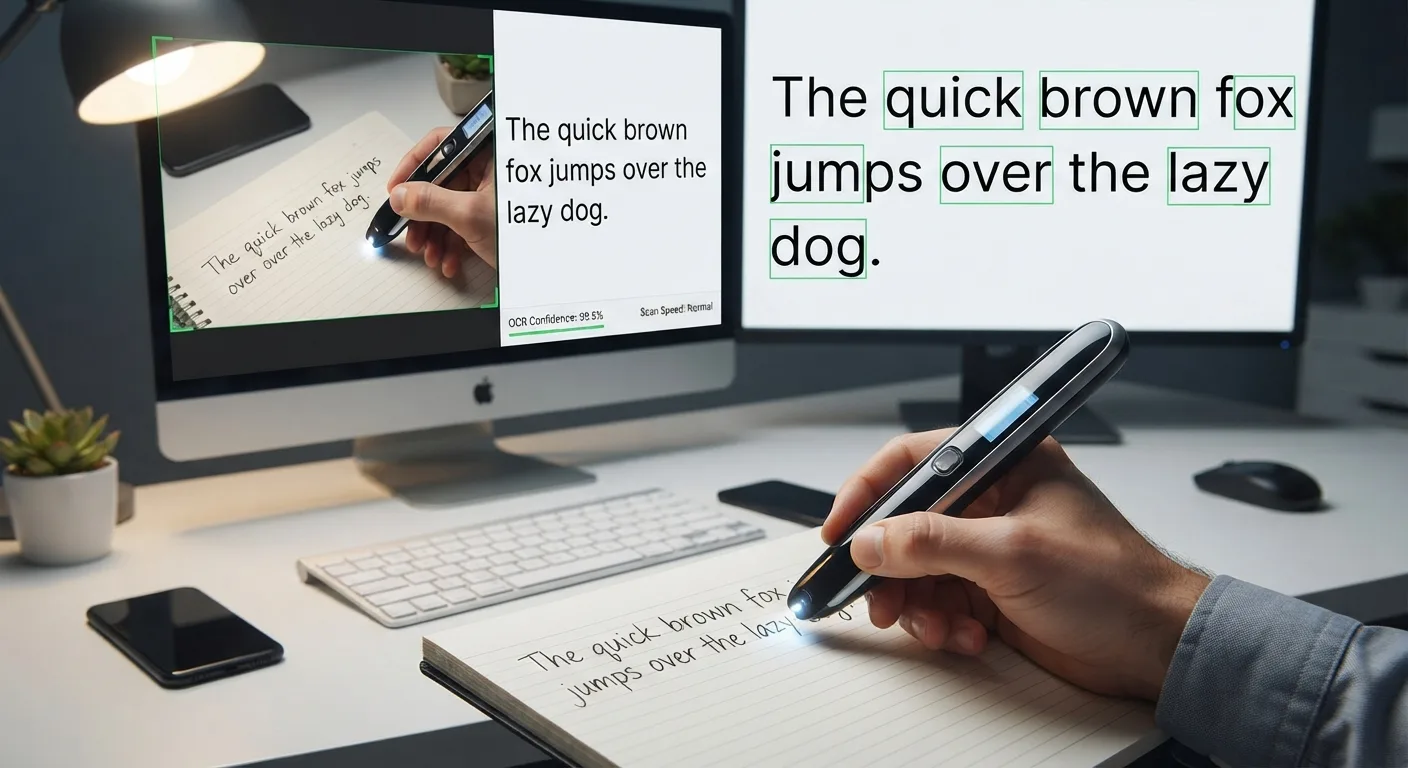
What "accuracy" actually depends on
OCR accuracy is not a single fixed number for a given device; it varies with the specific material being scanned. The same pen scanner can perform very well on a clean textbook page and noticeably worse on a faded receipt, because the OCR engine is comparing captured character shapes against learned patterns, and anything that distorts those shapes, like low contrast, unusual fonts, or motion blur, increases the chance of a misread character.
Accuracy is usually discussed in terms of how many characters or words the software gets right compared to the original text — and it is driven far more by input quality than by the software alone. This is why it is more useful to think about accuracy in terms of conditions than a single percentage: a device that performs well in ideal conditions can still perform poorly on difficult material, and vice versa.
Factors that improve accuracy
Several things consistently help: good, even lighting; a steady, moderate swipe speed rather than a rushed one; standard printed fonts rather than stylized or decorative ones; adequate contrast between text and background; and font sizes within the range the device was designed for, generally similar to typical book or document text.
Clear, high-contrast print in a common font, captured with the text reasonably straight and in focus, gives OCR the best chance of near-perfect results. Larger print sizes and clean white backgrounds all help the software distinguish characters reliably.
Factors that hurt accuracy
The clearest accuracy killers are handwriting, glare from glossy paper, very small or very large font sizes outside the device’s calibrated range, dense multi-column layouts, low-contrast color combinations, and inconsistent or jerky swipe motion. Curved or non-flat surfaces also reduce accuracy because the camera’s focus assumptions are built around a flat page.
Historical documents are a particularly tough case, often combining several problems at once: aged paper, faded ink, and old typefaces the software may not be well trained on. Language and script coverage matters too — OCR trained primarily on one language and script will generally underperform on a different script, or on pages mixing multiple languages or alphabets in the same line.
Printed text versus handwriting
Printed and typed text follows consistent, standardized letterforms, which is exactly the kind of pattern OCR systems are built and trained to recognize. Handwriting varies enormously from person to person, and even within one person's own writing, which makes it a fundamentally harder recognition problem. Cursive handwriting, where letters connect and blend together, is especially difficult and typically produces far less reliable results than printed text under similar conditions.
Comparing conditions side by side
The table below illustrates how the same underlying OCR technology tends to perform differently depending on the type of source material, without attaching specific numbers to any product or benchmark.
| Source material | Typical reliability |
|---|---|
| Clean printed text, common font, good lighting | High |
| Photocopied or lightly faded printed text | Moderate to high |
| Skewed or poorly lit capture of a printed page | Moderate, more errors likely |
| Faded historical document, old typeface | Lower, manual review recommended |
| Neat, printed-style handwriting (block letters) | Lower than printed text |
| Cursive or messy handwriting | Low, frequent errors likely |
- Typical reliability
- High
- Typical reliability
- Moderate to high
- Typical reliability
- Moderate, more errors likely
- Typical reliability
- Lower, manual review recommended
- Typical reliability
- Lower than printed text
- Typical reliability
- Low, frequent errors likely
How OCR handles uncertainty
Most modern OCR engines do not just guess character shapes in isolation; they cross-reference recognized words against a built-in dictionary or language model, which lets the software catch and often correct an ambiguous character based on context. This is why OCR tends to do noticeably better on complete words and sentences than on isolated strings of random characters, codes, or serial numbers, where there is no linguistic context to lean on.
Why you should be skeptical of advertised accuracy claims
Manufacturers sometimes advertise accuracy figures measured under controlled, ideal conditions that do not reflect everyday use. Rather than relying on a marketed percentage, it is more useful to look at real user reviews describing performance on the kinds of materials you actually plan to scan, and, where possible, to test a device yourself on your own typical documents before committing to it.
Why you should still check the output
Because so many variables affect accuracy, no OCR system, including the software inside pen scanners, document scanning apps, or scanner-and-software combinations, should be treated as perfectly accurate. For anything important, such as legal, medical, or financial text, a quick human review of the OCR output is a reasonable precaution rather than an overreaction.