
The distinction that matters most
A reading pen is an access and support tool. It is not a treatment for dyslexia, and it does not teach a child to read. That distinction is what keeps this technology useful rather than overpromised: the International Dyslexia Association frames tools like this in terms of access — helping a person complete a reading task today, while structured literacy instruction is what builds the underlying skill over time.
For a reader who gets stuck on a difficult word, that access can change the shape of the task. Instead of stopping to ask someone, reaching for a different device, or abandoning the word altogether, a reading pen turns the moment into: scan the word, hear or look it up, understand it, keep reading.
Why one difficult word can stop the whole page
Dyslexia is a language-based difficulty that can affect decoding, word recognition, fluency, and spelling — the specific pattern varies a lot from person to person. A reader can understand an idea perfectly well when it is spoken aloud, and still struggle to get that same idea off a printed page, because decoding the words is consuming the attention that comprehension needs.
That is why getting stuck on one word matters more than it looks like it should. A reading task can turn into a repeated cycle: read, get stuck, find help, lose the thread, return to the text, get stuck again. A reading pen offers a shorter loop for that specific moment — scan, hear, return — without pretending it removes every challenge in the text.
What it actually does, mechanically
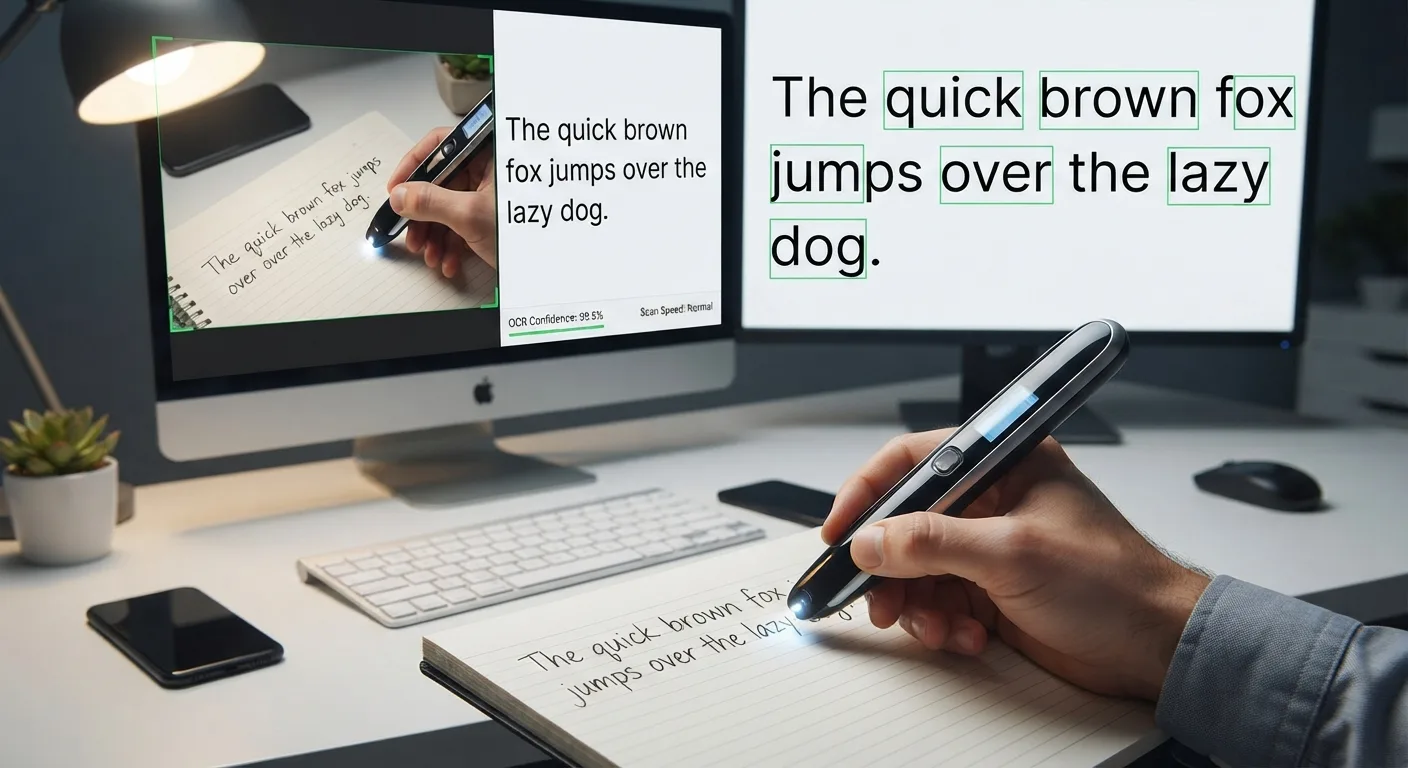
The pipeline is the same one behind any pen scanner: an optical sensor captures the printed word as the pen crosses it, an OCR engine turns that image into recognized text, and — depending on the model — that text is spoken aloud, looked up in a dictionary, translated, or stored. None of that is "reading" in the way a person reads; it is capturing printed information and converting it into a form the device, and then the listener, can use.
Where it tends to help
The clearest use case is a single unfamiliar word interrupting a printed page: a science term in a textbook, an instruction on a worksheet, a word in an assigned novel. It also helps reduce device-switching — a phone can do a version of the same job, but finding the phone, unlocking it, opening an app, and photographing the text is a longer detour than a pen crossing a line. For a reader already working hard to stay with a text, fewer steps matters.
It also supports independence in a narrow but real way. A student who has a reliable way to handle an occasional stuck word does not need to interrupt a parent or teacher every time — which does not mean human support becomes unnecessary, only that it becomes optional in that specific moment.
Where a reading pen is not the right tool
For continuous reading of a full chapter or novel, scanning line by line is far more effort than an audiobook or a computer/tablet with text-to-speech built in. For anything already digital — a PDF, an ebook, a webpage — built-in accessibility tools are simpler than scanning a screen, which most pen scanners handle poorly anyway. For teaching the underlying skill of decoding, no device substitutes for a reading specialist or structured literacy instruction.
Reading pen versus other tools
How a reading pen compares to the other tools that solve a similar problem.
| Situation | Better fit |
|---|---|
| One unfamiliar printed word | Reading pen |
| A full chapter or novel | Audiobook or continuous TTS |
| A digital document (PDF, ebook, webpage) | Built-in text-to-speech / screen reader |
| Learning to decode | Structured reading instruction |
| Writing support | Speech-to-text |
Instruction and assistive technology are not competing
It is easy to frame this as "technology versus teaching," and that framing is wrong. Reading instruction — phonics, decoding, fluency, vocabulary, comprehension strategies — builds a skill over time. Assistive technology provides access to a task right now, while that skill is still developing. A student can be receiving both structured literacy instruction and using a reading pen for worksheets in the same week, for different reasons.
The clearest way to keep the two in the right order: if the point of an exercise is practicing decoding, let the student attempt the word first. If the point is understanding a science chapter, a stuck word is a barrier to the actual goal, and reaching for the pen is reasonable.
Does using one create dependence?
It can, if a reader scans every word automatically without attempting it first. It usually does not, if the pattern is closer to: try the word, use it if the word is genuinely blocking progress, then return to the sentence. The goal is not "never use the tool" — it is having another option when a human helper is not necessary.
What the evidence actually supports
There is real evidence behind text-to-speech and read-aloud technology broadly: research reviews have found a positive average effect on reading comprehension for struggling readers using these tools, alongside a consistent note from researchers that more study is needed on which students benefit most. That evidence is about text-to-speech as a category, not about any specific reading-pen product — a distinction worth being precise about rather than blurring into a blanket claim that "reading pens improve dyslexia."
The responsible claim is narrower and more useful: a reading pen may give some people with dyslexia another way to access printed text, particularly when the barrier is an occasional unfamiliar word — not a guaranteed outcome, and not a substitute for instruction.