
Why OCR matters in research
A huge amount of research material, from historical archives to older academic papers, exists only on paper or as scanned images without any underlying text layer. OCR is the technology that makes it possible to search across large collections of such material, extract quotations without manual retyping, and run text-based analysis on documents that would otherwise be locked inside static page images.
Archival and historical digitization
Libraries, archives, and museums use OCR at scale to digitize collections: old newspapers, manuscripts, correspondence, and government records. This work is often harder than typical document scanning because historical materials commonly combine several accuracy challenges at once, including faded or inconsistent ink, yellowed or damaged paper, unfamiliar or non-standardized typefaces, and handwritten annotations mixed into printed pages.
Because of this, large digitization projects frequently pair OCR with manual correction or crowdsourced proofreading passes, rather than treating the raw OCR output as a finished, fully accurate transcript.
Building searchable PDFs
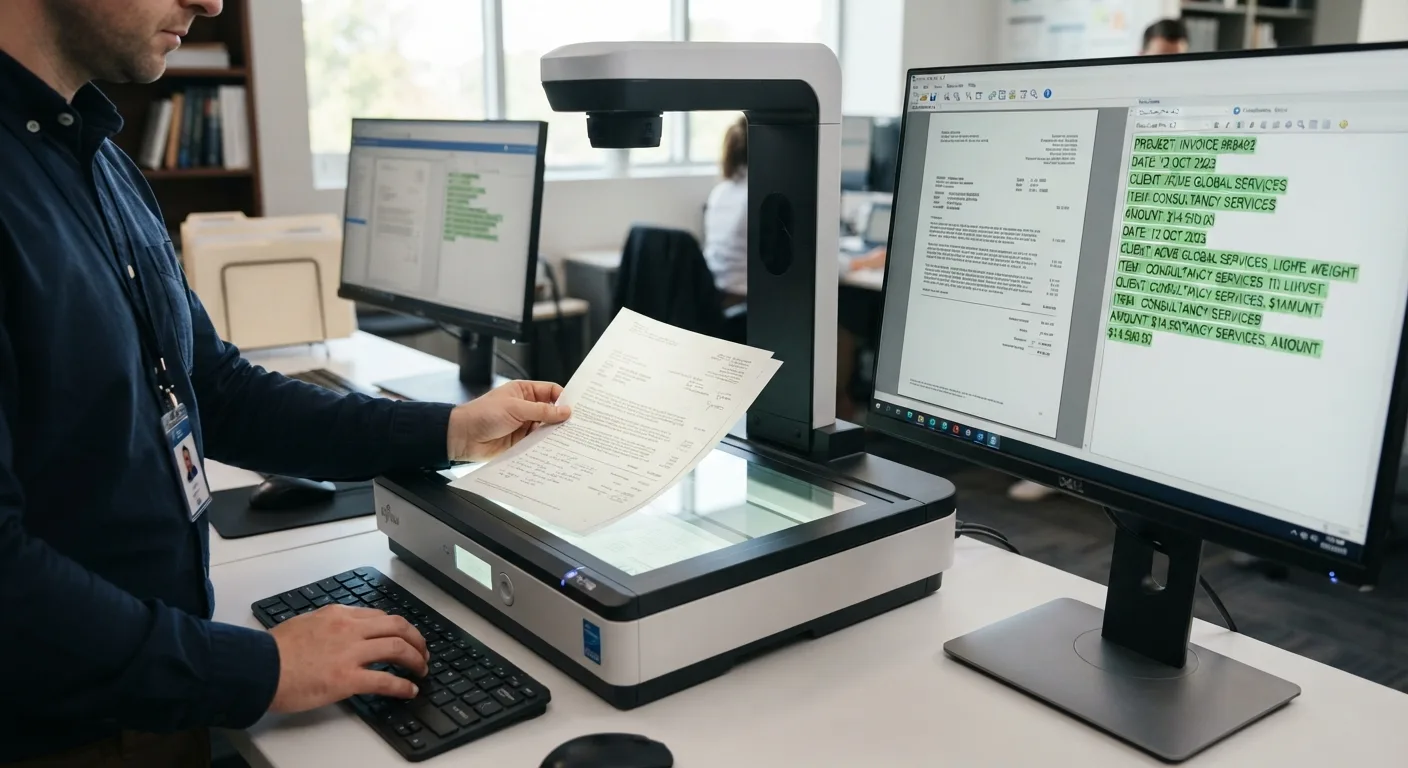
A common research workflow is converting a stack of scanned papers or archival images into searchable PDFs, where OCR adds an invisible text layer behind the original scanned image. This preserves the original page appearance for citation purposes while allowing full-text search, copy-paste of quotations, and integration with reference managers or text-analysis software.
Working with older typefaces and layouts
OCR trained mostly on modern fonts can struggle with older typefaces, unusual letterforms such as the long s once common in older printing, or multi-column academic layouts with footnotes and citations interleaved. Some specialized OCR tools are tuned for historical text specifically, but general-purpose OCR should be expected to need more correction on these sources than on modern printed material.
Verifying OCR output for research use
Because OCR errors can silently alter names, dates, numbers, or quotations, researchers relying on OCR-derived text for citations or data analysis should spot-check output against the original source, particularly for material that was faded, handwritten, or otherwise degraded. Treating OCR as a starting draft rather than a final transcript is a reasonable standard for careful research work.
Beyond archives: everyday research use
Outside of large digitization projects, individual researchers also use OCR more casually: scanning printed journal articles that predate digital publishing, digitizing hand-annotated printouts, or using a document scanning app or pen scanner to quickly capture a passage from a physical book during literature review.