
Start with need, not with a product
The most reliable AT purchases start from a documented need — a student's IEP goal, a diagnosed barrier, or a pattern seen across a classroom or grade level — rather than starting from a product a vendor or colleague recommended. Needs-first buying keeps the eventual tool tied to an outcome that can be measured.
For individual students, this usually means the AT consideration or evaluation process already underway through the IEP or 504 team. For classroom- or building-level purchases, it means gathering input from teachers and specialists about recurring barriers before shortlisting products.
Run a trial before committing budget
Whenever possible, trial candidate devices with real students in real classroom conditions for a few weeks before purchasing at scale. A tool that looks strong in a vendor demo can fail in daily use because of battery life, durability, ease of use for a young student, or simple lack of teacher buy-in.
A short trial period with a small number of units, tracked against a simple usage log, is usually enough to reveal whether a tool will actually get used once purchased in volume.
Confirm compatibility before purchasing
Check that any digital AT tool works with the district's existing devices, operating systems, and single sign-on setup, and that it meets the district's data privacy and student data protection requirements. IT staff should sign off before a purchase order goes out, not after.
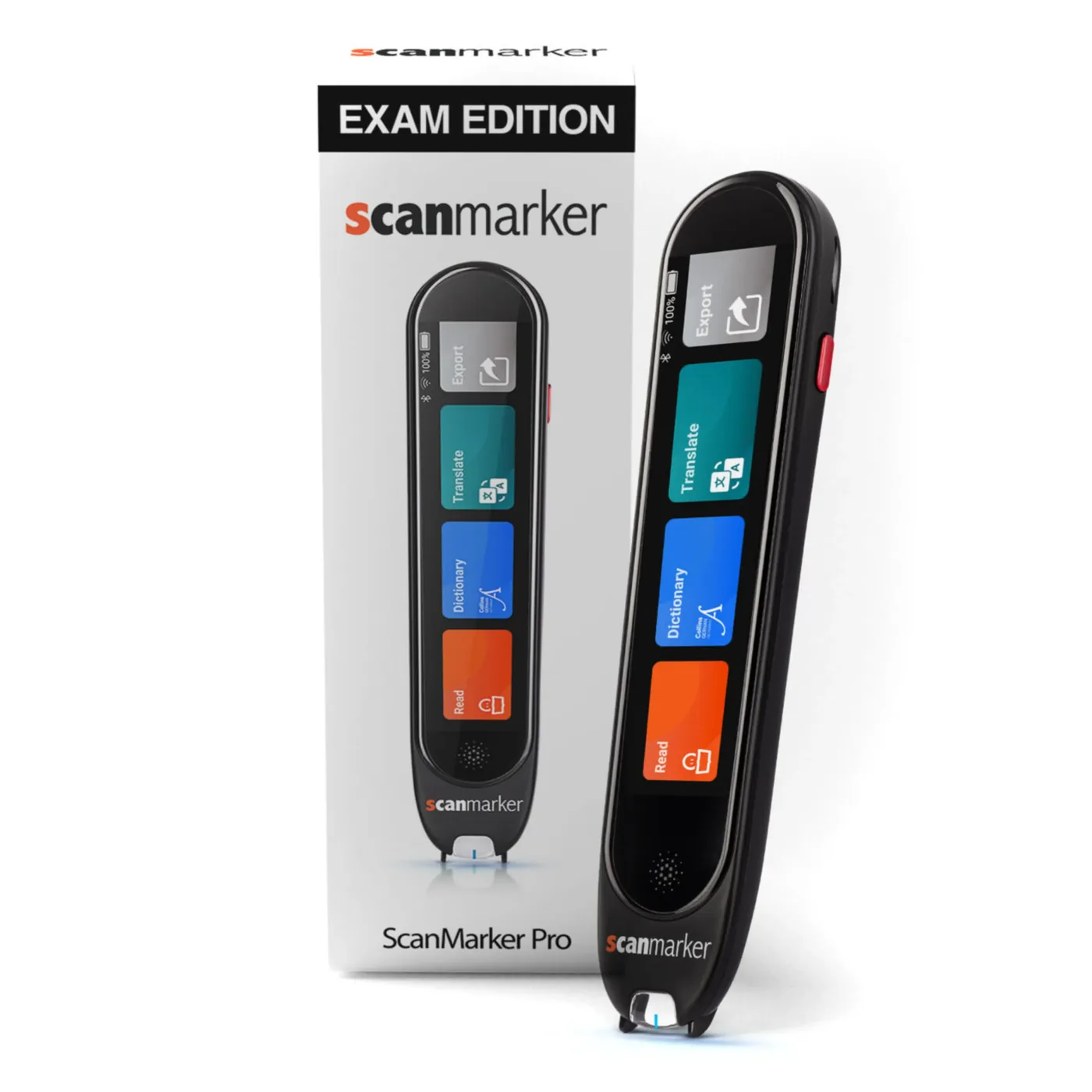
For physical devices such as reading pens, confirm battery life, durability for the age group, ease of use without adult help, and whether replacement parts or ongoing support are available from the vendor.
Comparing options: a simple evaluation framework
A short checklist used consistently across every AT purchase decision keeps the process fair, defensible, and easy to explain to families and administrators.
| Criterion | What to check | Why it matters |
|---|---|---|
| Need match | Does it address the documented barrier or IEP goal? | Avoids buying tools that don't solve the actual problem |
| Trial results | Was it tested with real students for at least a few weeks? | Predicts real-world adoption better than a demo |
| IT compatibility | Works with existing devices, login systems, and data policy? | Prevents deployment delays after purchase |
| Usability | Can the student use it independently, with age-appropriate training? | Low-usability tools go unused regardless of features |
| Support and training | Does the vendor provide setup help and staff training? | Reduces burden on already-stretched school staff |
| Total cost | Purchase price plus any subscription, warranty, or replacement costs? | Avoids budget surprises after the first year |
- What to check
- Does it address the documented barrier or IEP goal?
- Why it matters
- Avoids buying tools that don't solve the actual problem
- What to check
- Was it tested with real students for at least a few weeks?
- Why it matters
- Predicts real-world adoption better than a demo
- What to check
- Works with existing devices, login systems, and data policy?
- Why it matters
- Prevents deployment delays after purchase
- What to check
- Can the student use it independently, with age-appropriate training?
- Why it matters
- Low-usability tools go unused regardless of features
- What to check
- Does the vendor provide setup help and staff training?
- Why it matters
- Reduces burden on already-stretched school staff
- What to check
- Purchase price plus any subscription, warranty, or replacement costs?
- Why it matters
- Avoids budget surprises after the first year
Getting sign-off and moving to purchase
Once a tool has passed trial, IT review, and budget check, route it through the district's standard procurement process (see School Technology Procurement for that process in detail), including any required quotes, purchase order steps, or board approval thresholds.
Document the decision — need identified, options considered, trial results, and reason for the final choice — since this record is useful both for internal budget review and for demonstrating a defensible process if a purchase is later questioned.
Scanmarker Max
Best for: Full independence — exam-approved, phonics-ready