
Why this matters for ESL specifically
An English language learner can often speak far more English than they can read — listening comprehension and vocabulary usually outpace decoding skill in a second language, especially in the first year or two. That gap means a student can follow a class discussion perfectly and then stall completely on the printed worksheet in front of them. It looks like a comprehension problem. It's actually a decoding problem, and it's temporary.
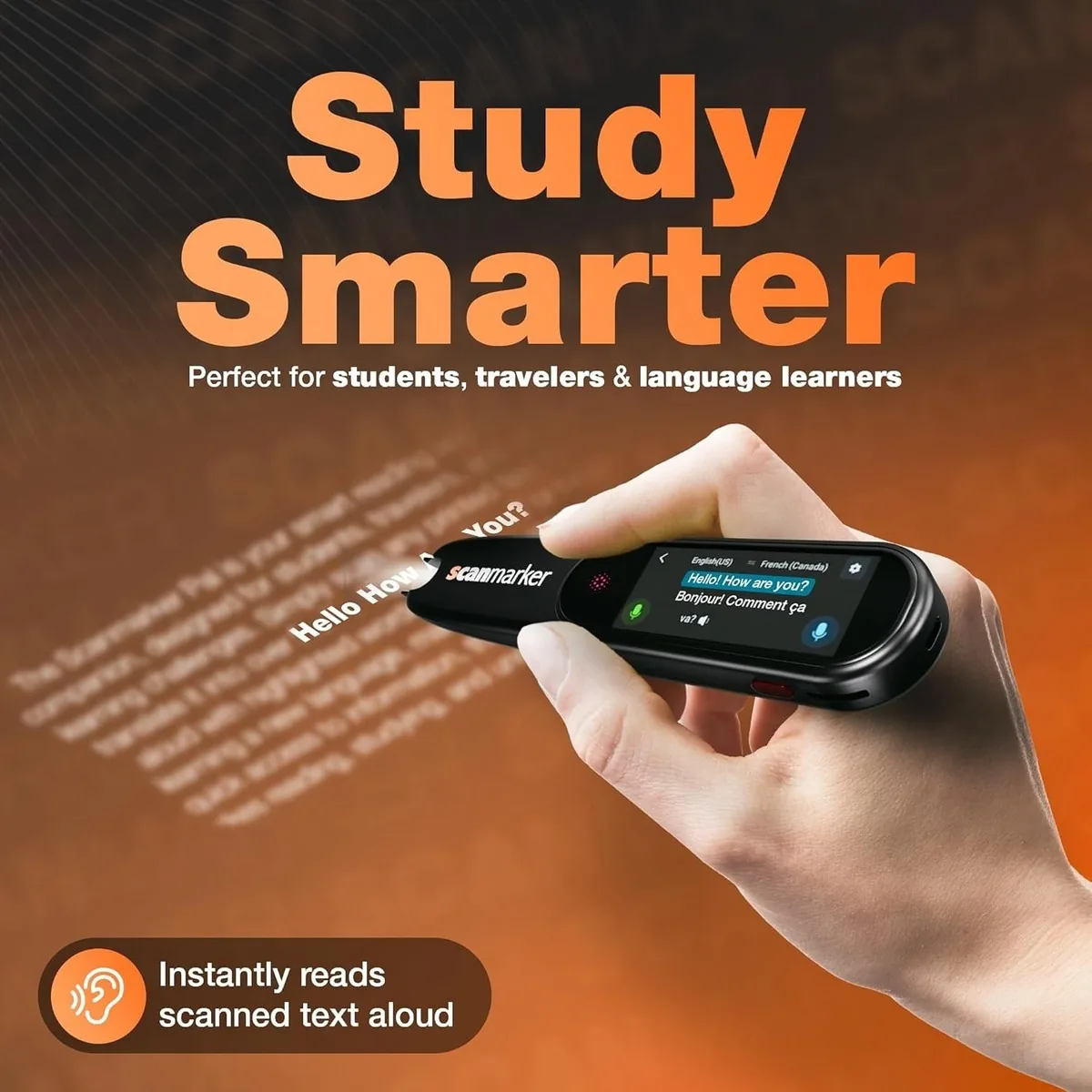
A reading pen — a handheld scanner that reads printed text aloud on contact — closes that specific gap without singling the student out or requiring a full pull-out session with an aide.
Every accommodation conversation in an ESL classroom eventually runs into the same tension: you want to support the student's language acquisition, not replace it. A tool that reads everything out loud for a student who never has to decode anything themselves can slow language development instead of speeding it up.
The way ESL teachers get this right in practice: use it for content-area material, not language-arts practice, since a science worksheet full of unfamiliar vocabulary is a decoding barrier while a passage that's specifically teaching decoding is not; pair audio with visible text, not audio alone, since a pen with a screen showing the scanned word reinforces the sound-to-print connection instead of bypassing it; and use it as a bridge, not a permanent crutch, tracking how often a student reaches for the pen over a semester, since declining use over time is the sign the accommodation is working as intended.
What to look for in a classroom reading pen
ESL classrooms have different constraints than a one-on-one home setting. A few things matter more here than they would for individual buyers.
Real-time translation, not just text-to-speech, matters because a student in their first semester of English benefits enormously from hearing an unfamiliar word read aloud and translated into their home language on demand. Scanmarker Max and Scanmarker Pro both support translation across 112 languages when connected, which covers the realistic range of home languages in most US classrooms far better than English-only tools.
Standalone operation matters because classrooms rarely have a spare laptop per student. Scanmarker Max reads aloud entirely on its own; a standalone pen that doesn't need to be tethered to a device is the difference between "usable during independent work time" and "usable only at the one computer station."
Durability and simple controls matter because this is a shared or heavily-used classroom device, not a personal one. Look for a simple interface a student can operate independently after one demonstration, and a build that survives a backpack.
Quiet operation with headphone support lets a student use it during silent work time without disrupting the rest of the class — this is often the single biggest factor in whether a student is willing to use it at all in front of peers.
Common classroom use cases
Independent reading time, when a student hits an unfamiliar word in an otherwise appropriately-leveled book and needs to keep momentum instead of stopping to ask for help; content-area worksheets in science, social studies, or math word problems, where the vocabulary barrier isn't the point of the lesson; take-home materials, so a student whose parents don't speak English can access support independently on a worksheet no one at home can help decode; and newcomer onboarding, in the first weeks when a student's listening comprehension is running well ahead of their reading level and everything printed is a barrier.
Getting buy-in and funding
Reading pens for ESL support don't always fall under the same funding categories as special education assistive technology, so it's worth checking multiple paths: Title III funding (which specifically covers English learner support), general classroom technology budgets, and site-based discretionary funds. If any of your ESL students also have an IEP or 504 plan, a reading pen may qualify as assistive technology under that plan's funding as well.